Magic Dibs by Frido
Switch your Magic Keyboard, Trackpad, and Mouse between two Macs wirelessly.
Download for MacmacOS 13.0+ · Signed & Notarized
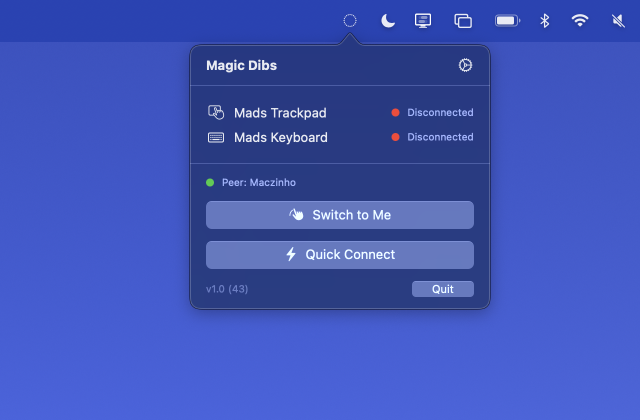
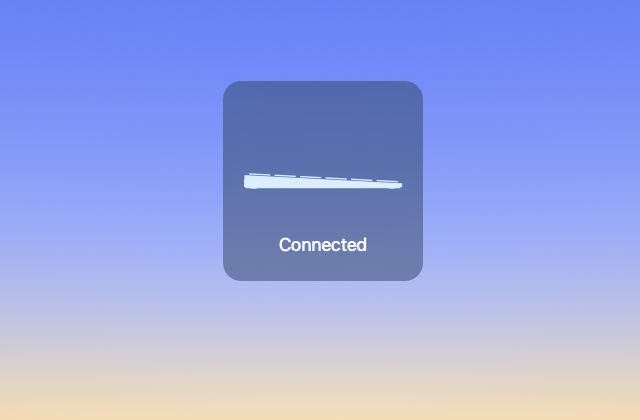
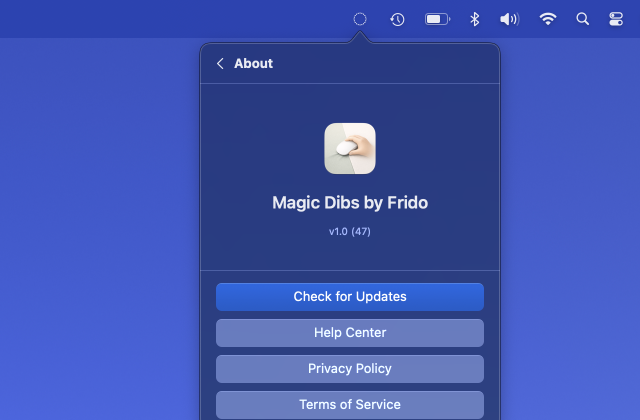
One-Click Switch
Click the menu bar icon to move all your devices to this Mac.
Auto Release & Connect
Close the lid and devices free up. Open the other Mac and they connect automatically.
Bluetooth LE
Works over BLE, bypassing corporate firewalls that block TCP.
No Cable Needed
After a one-time cable pairing with both Macs, switching is fully wireless.
Setup
- Cable-pair your Magic devices with both Macs (one-time)
- Install Magic Dibs on both Macs
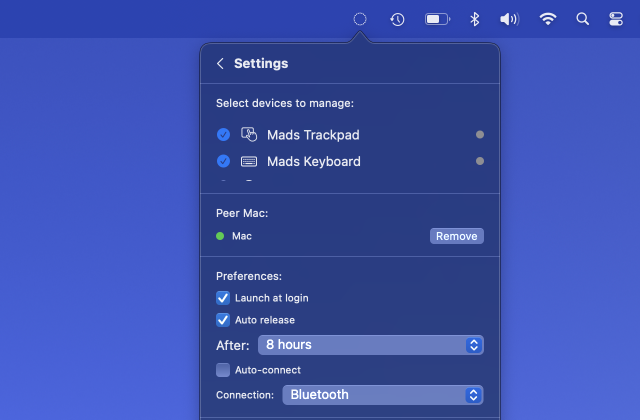
- Open Settings, select your devices
- Choose a transport (Bonjour or Bluetooth)
- Discover and add the other Mac as a peer
- Click the menu bar icon to switch
Safe & Transparent
Magic Dibs is signed with a Developer ID certificate and notarized by Apple, which means macOS has verified it contains no malicious code. The app only uses Bluetooth to connect your own paired devices and local networking to coordinate with your other Mac. No data is collected, no internet connections are made, and nothing leaves your local network.
Requires macOS 13.0 or later. Works with Magic Keyboard, Magic Trackpad, and Magic Mouse.
Get Support